To control and connect to a mobile remotely is made easier as anydesk offers this feature in free. In order to remote a mobile/smartphone via any computer or using a mobile phone, kindly perform the following steps at the mobile phone that needs to control/remote.
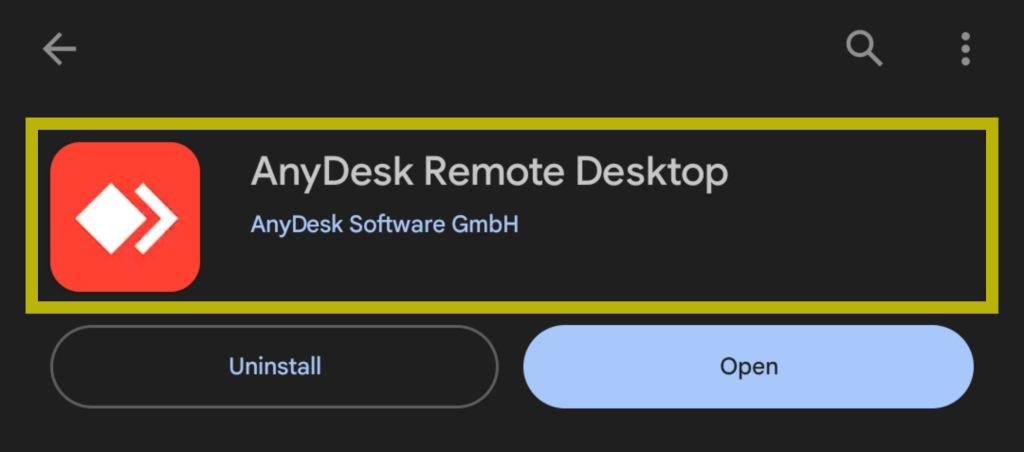
- Go to Playstore, search and download the following application/plugin

- Open the newly installed application named “Anydesk” and agree to the following permissions.


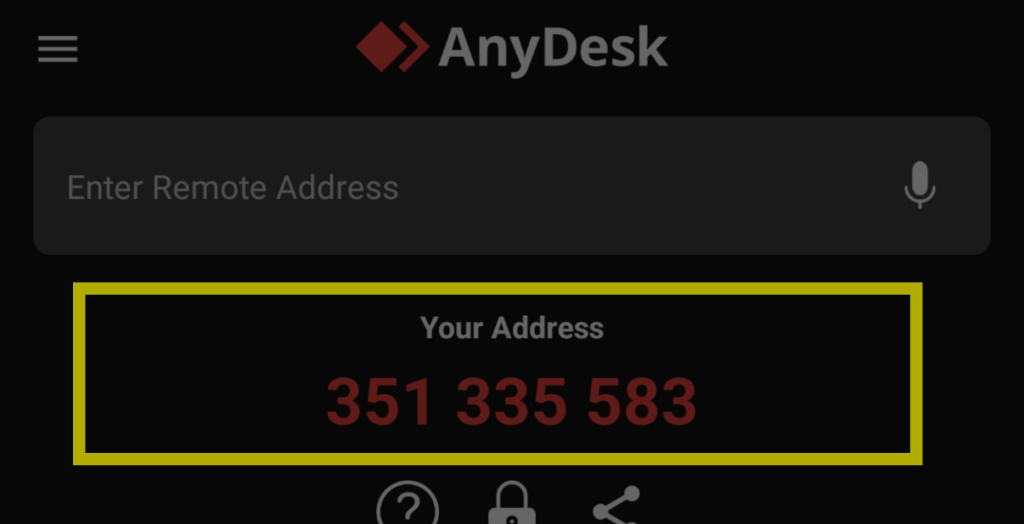
- To allow other’s control your mobile phone, just provide to the connecting party you Anydesk Address like the one show below.
- One connecting party is trying to connect to your device, a permission notification will display on your device. Just select all the permissions as shown below, specially the control with arrow icon, prior clicking accept. And to further proceed another permission will appear on your end that you need to Accept/Start Now which will cast your screen to connecting party.


Just a security reminder, please ensure that you are accepting connected from expected or trusted user to avoid being compromised.