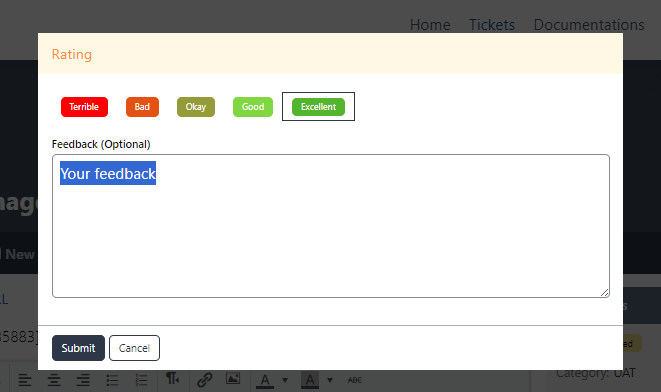
We appreciate your ratings and feedback to tickets you have create to let us know your ratings, thoughs that will help us improve. To leave a rating and feedback from your particular tickets kindly following the following steps.
- On Menu/Navigation Bar, Click Tickets. Once on the ticket page, click the Ticket List.
- Click/Select the ticket you would like to leave a rating and feedback.

- Ticket Thread will open, look for the ratings widget located on the right side of your screen.
- Click the edit button to proceed

- Once rating window pop-up, select your rating and leave a feedback.
- Submit